
Features
Everything the school office does, in one system.
DISCH Edu System brings the core work of running a school into one platform, and keeps access organized so people see what they need and nothing they should not. The screens below are from the product as configured for Darison International School.
01
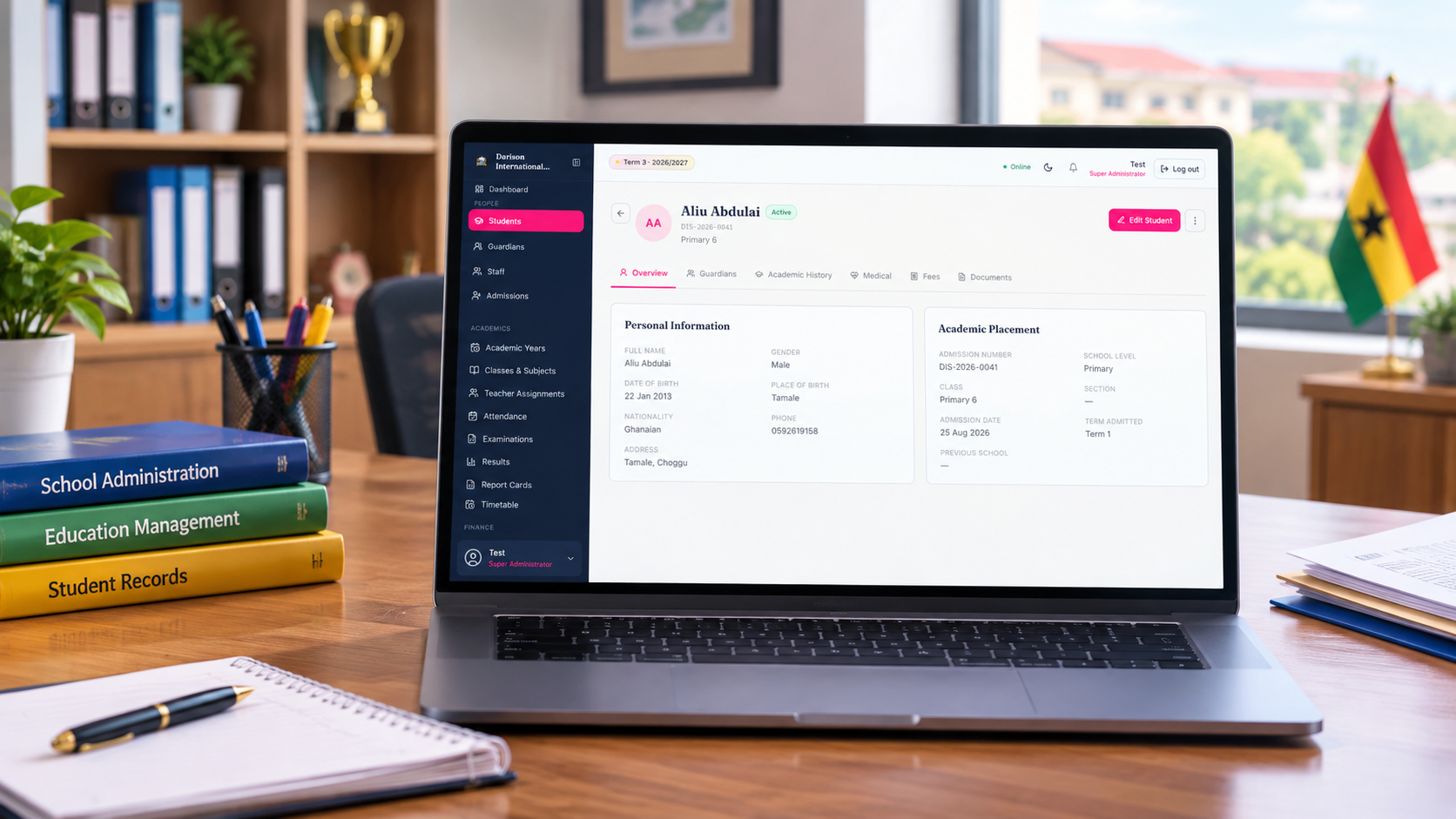
Students, guardians and staff, on record.
- Student records
- Personal details, class placement, guardians, academic history, medical information, fees and documents in one profile.
- Admissions
- Admissions are recorded in the same system as the student profiles they lead to.
- Guardians
- Guardians are linked to the students they are responsible for, which is also what lets them see those students in the parent portal.
- Staff
- Staff records, positions, departments, assignments, documents and attendance.
02
From the register to the report card.
The same records carry through the term: who was in class, what was assessed, which scores were approved and what ends up on the report card.
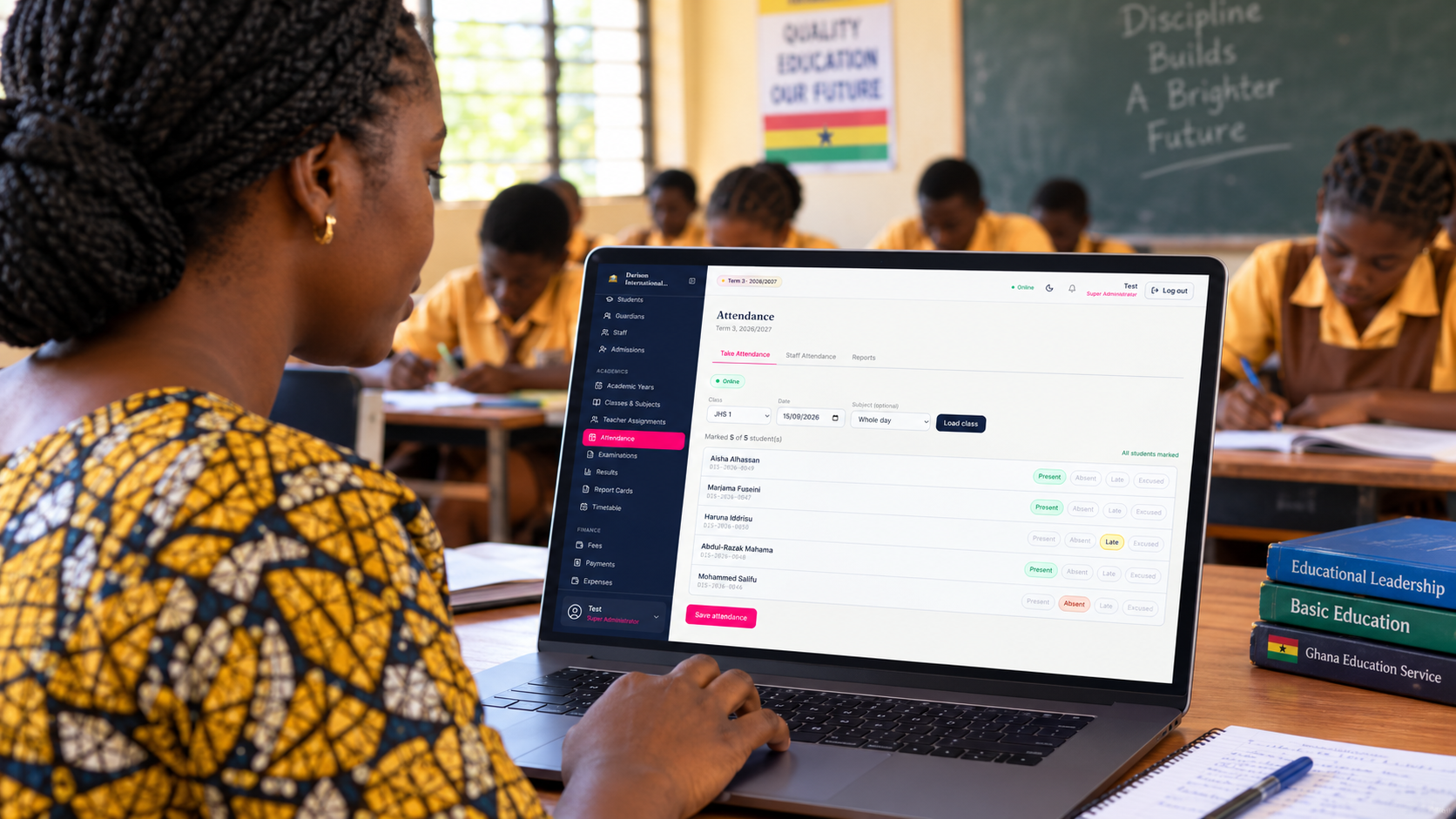
Attendance
Take the register by class and date.
Mark each student present, absent, late or excused. Staff attendance and attendance reports sit beside it.
Results
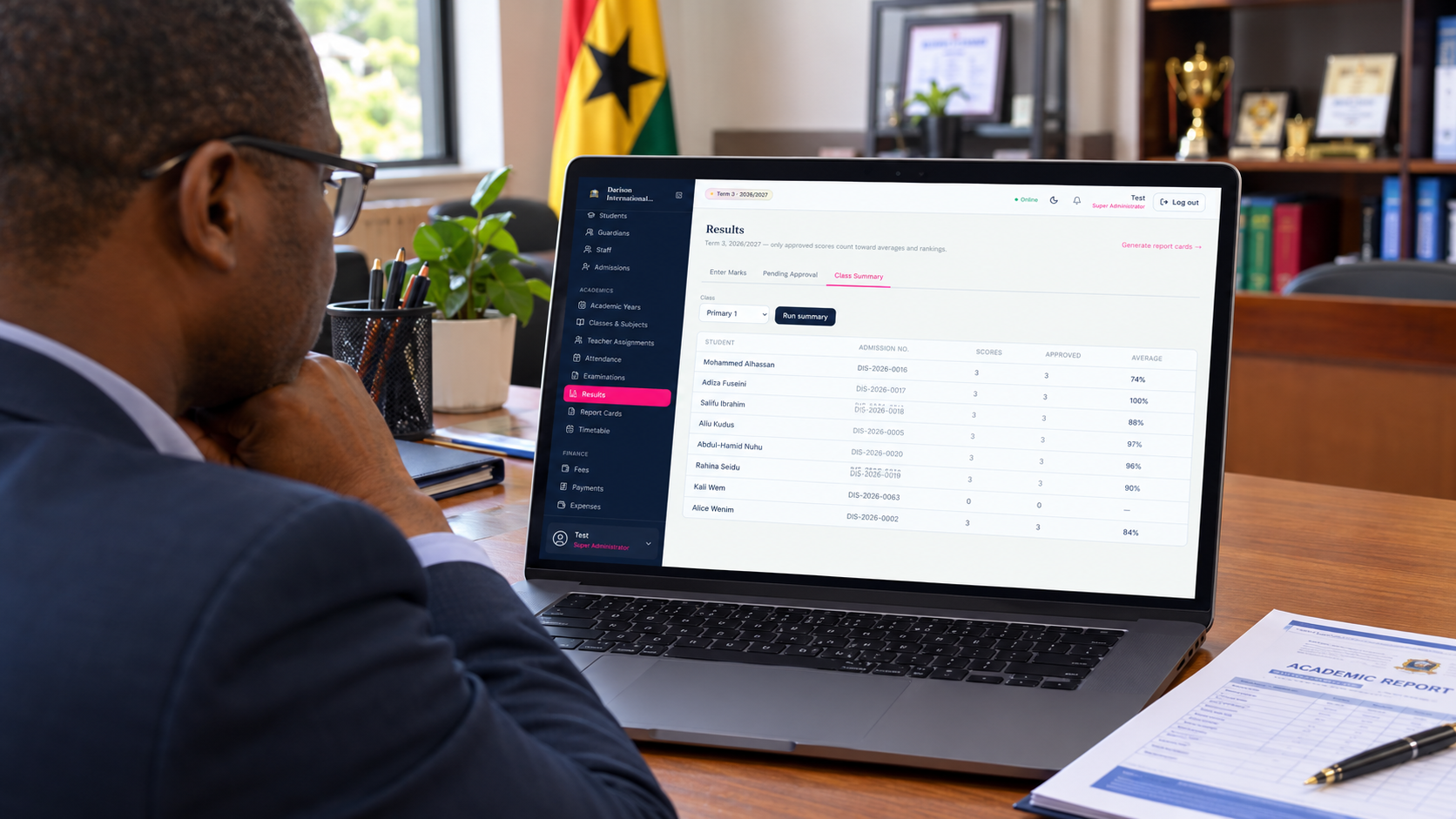
Only approved scores count.
Teachers enter marks, scores go through approval, and class summaries and report cards are produced from the approved records.
- Years, terms and classes
- Academic years and terms, classes, sections and subjects.
- Teacher assignments
- Teachers are assigned to whole classes or to specific subjects, and see only what they are assigned to.
- Assessments and examinations
- Record assessments and examinations, and keep grading in the same system as the class lists.
- Timetable and lesson plans
- Class timetables for students and teachers, and lesson plans that teachers create and manage.
03
Know what was billed, paid and still owed.
Amounts are recorded in Ghana cedis (GHS) and always belong to an academic year and term.
- Fee structures
- Set amounts by school level or class, and assign extra fees to individual students.
- Adjustments
- Record discounts and additional charges against a student's account.
- Payments and receipts
- Record payments, issue receipts and see the payment history for a student.
- Outstanding balances
- See which students owe fees and remind their parents or guardians by SMS.
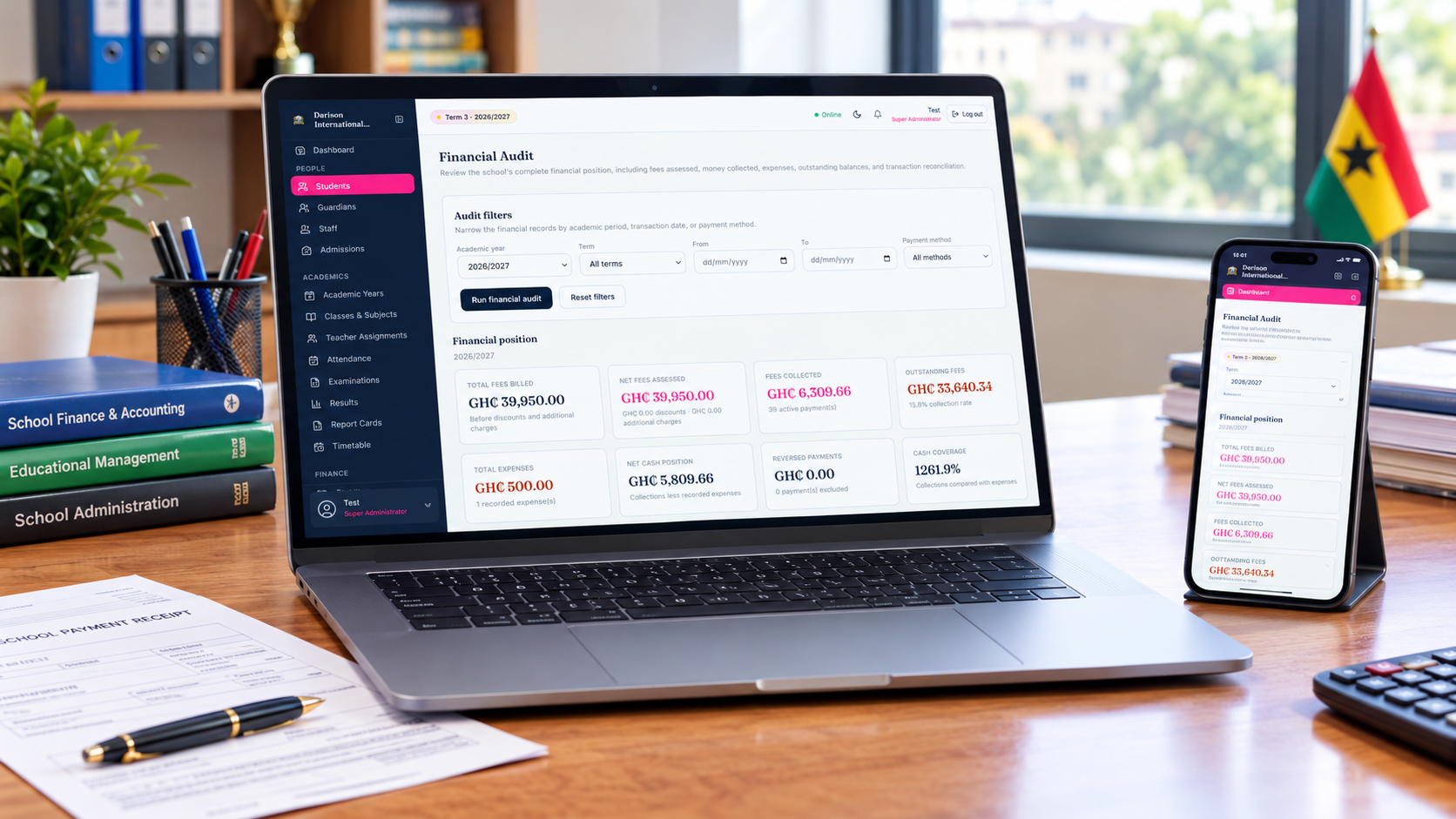
- Expenses and financial audit
- Record school expenses, then review fees billed, assessed and collected, outstanding balances and cash position for a year or term.
04
Reach the school community.
- Announcements
- Publish school announcements that reach the people who use the portals.
- Notifications
- In-platform notifications keep each user informed without leaving their portal.
- SMS
- Message parents and guardians, including fee reminders. SMS settings and sender identification are configured per school, where supported by the configured provider.
05
Documents, identity and access.
- Certificates
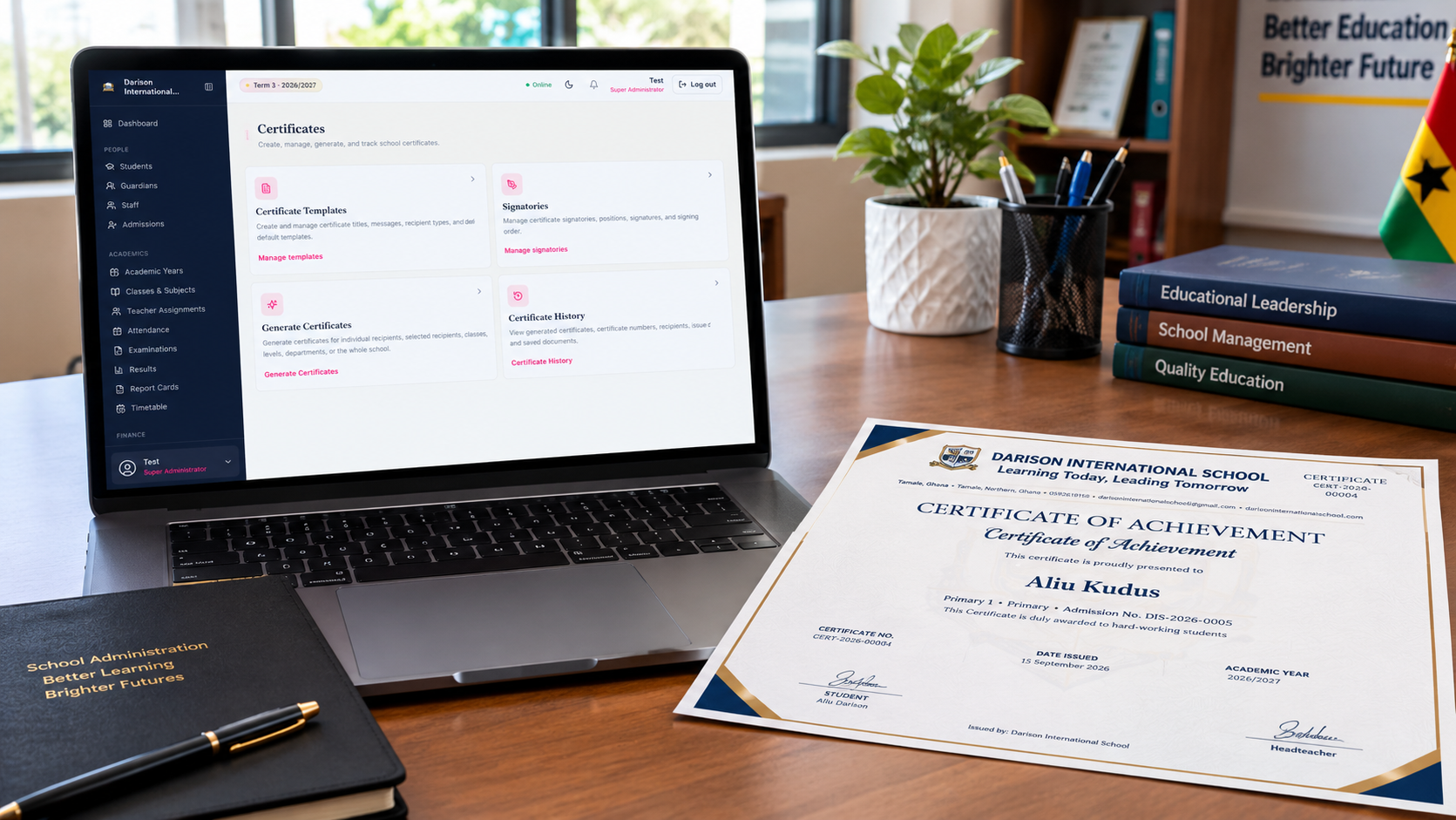
- Create templates, manage signatories, generate certificates for individuals, classes or the whole school, and keep a history of what was issued.
- School branding
- Each school's identity, logo, colours and contact details.
- Roles and permissions
- School-specific roles decide what each authorized user can open.
- A separate environment per school
- Each school has its own environment, users, settings and data on the shared platform.
- Library
- Catalogue and physical copies, members, requests, issuing, returns, renewals, overdue items, fines and reports, in a dedicated librarian portal.
Next step
Ask about the parts that matter to your school.
Request a demonstration and we will walk through the areas that matter most to how your school works.